Broadcom pulled the VDDK. Does your VMware exit plan still work?
What happened
The VDDK is the proprietary library that lets third-party software read and write the contents of a VMware virtual disk without going through the guest operating system. Almost the entire ecosystem sits on it: backup, replication, P2V and V2V conversion, archival and e-discovery tooling.
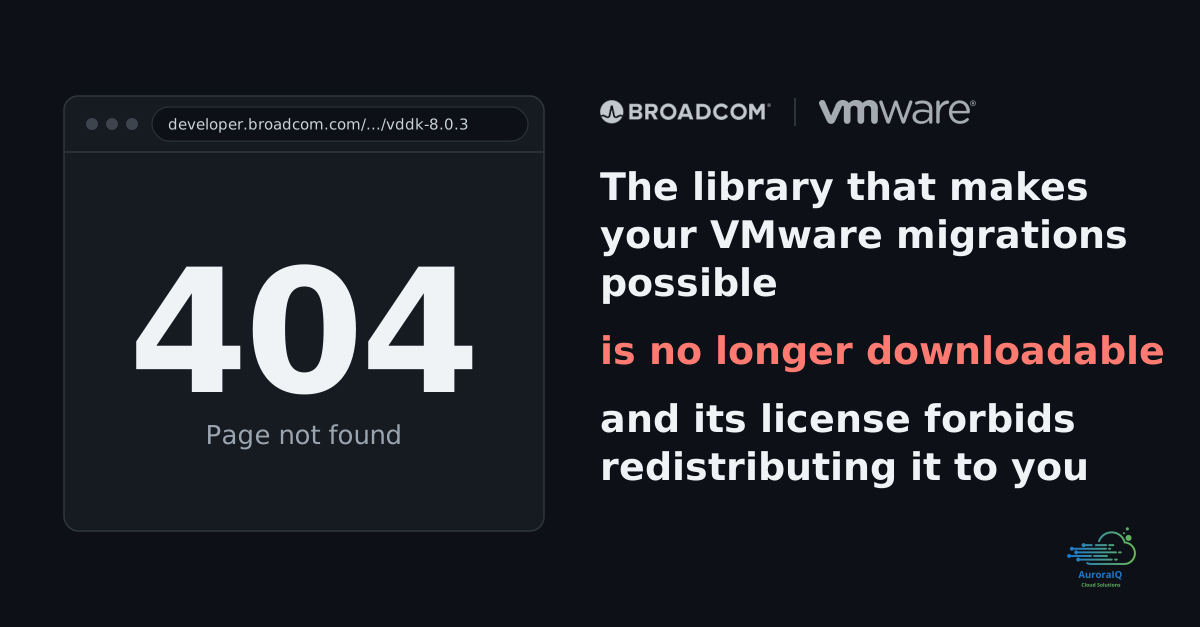
On 25 August 2026, the download URLs for VDDK 8 and 9 started returning errors. No announcement, no deprecation notice, no archive. Asked about it, Broadcom confirmed the changeand pointed to the library's intended purpose: backup and recovery for licensed VMware customers, with authorised technology partners retaining access.
For a large backup vendor with a redistribution agreement and someone to call, this is a non-event. For everyone else it is not. A three-person integrator, an open source project, or an IT team converting its own workloads all followed the same documented step for a decade: download the VDDK from the developer portal and drop it into a specific directory. That step is now a 404.
Why you cannot simply work around it
This is the part teams tend to discover too late. The VDDK licence does not allow general redistribution. A migration vendor cannot bake the library into its appliance image, an open source project cannot package it, and a forum cannot legally host the tarball for you.
The effects are already showing up in vendor documentation. Some have moved their default recommendation to agent-based replication. Others now tell customers to contact Broadcom support directly. In several tools, part of the available transfer methods simply became unavailable.
If you still hold a legitimately obtained copy, treat it as a project asset rather than a file in someone's Downloads folder: record the version, the platform, the file size, the published checksum and a hash you compute yourself, and keep all of it under change control.
What breaks, and what does not
Precision matters here, because panic is a poor migration strategy.
What is untouched. The vSphere API itself. Changed block tracking (QueryChangedDiskAreas) is a vSphere API call, not a VDDK function, so the map of changed blocks is still queryable. OVF and OVA export from vCenter still works. Datastore file access still works. Your VMs are running and they will keep running.
What breaks. The readpath. The VDDK's fast transport modes (SAN, HotAdd, NBD/NBDSSL) are what tools use to pull a virtual disk at full speed while the VM is live. Without them, warm migration, repeated incremental syncs and the short cutover window that follows from them become much harder to deliver. You still know which blocks changed. You no longer have the fast pipe to read them.
In operational terms: you have not lost the ability to migrate. You have lost the three-click migration and the fifteen-minute cutover window you promised the business.
Four VMware exit paths that never needed the VDDK
Offline conversion
Power the VM down, take its disks, convert them. Three variants, in order of preference:
- Export an OVA from vSphere, then
virt-v2v -i ova /path/MyVM.ova. Cleanest, slowest to prepare, requires no privileged access. - Read the
.vmxand.vmdkfiles directly from a datastore you can mount over NFS:virt-v2v -i vmx /path/MyVM.vmx. Excellent if your storage is already NFS-backed. - Read the
.vmxover SSH on the ESXi host (-i vmx -it ssh), straight out of/vmfs/volumes. One caveat: this variant fails when the VM has snapshots, so consolidate them first.
Cost: downtime equal to copy time plus conversion. Benefit: zero proprietary dependency, and a reproducible artifact at the end. All three input modes are described in the virt-v2v documentation.
In-guest (agent-based) replication
You install an agent inside the operating system. It replicates at block or file level to the target while the VM keeps running, and you take a final delta sync at cutover. This is where several vendors are now steering customers by default. It is slower than the VDDK path, but it ignores the source hypervisor completely, which is exactly the property you are shopping for.
Real constraints: you need to be able to install something inside the guest, which rules out locked third-party appliances; you need an application quiesce window for database consistency; and you need bandwidth.
Storage-level replication
If your VMs sit on an array that can replicate, or on a datastore you can copy at block level, you move the LUNs or the files and rebuild the VM definition on the target. Fastest by volume, and the most demanding in storage skill.
Rebuild instead of migrate
For any workload already described as code (containers, stateless application servers, front ends), migrating a disk image is a methodological mistake. Reprovision on the target, replay the configuration, shift the traffic. It is faster than any conversion, and the technical debt does not come along for the ride.
In most estates we see, the right answer is a mix: D for 20 to 30 percent of the VMs, A for the long tail of low-criticality servers, B for workloads that cannot take a long outage, C wherever the storage layer allows it.
The validation procedure
A conversion that boots is not a successful migration. Here is the sequence we run, and you can take it as is.
- Inventory before touching anything. VM hardware version, BIOS or UEFI (and Secure Boot), disk controller type, raw device mappings, NICs and MAC addresses, existing snapshots, VMware Tools version, installed agents (backup, antivirus, monitoring), and above all any application licence tied to a UUID or a MAC address. That is where the unpleasant surprises live, not in copying the bytes.
- Clean the source. Consolidate snapshots, stop agents that have no reason to exist on the target, record the exact size of every disk.
- Pick one pilot VM per family, and not an easy one. One per operating system and per storage profile. Validating on a 20 GB Debian web server validates nothing.
- Verify integrity before you boot. Per-volume checksums, filesystem consistency (
fsckorchkdsk), size and inode counts compared against the source. - Check the foundations at first boot. Boot path (UEFI in particular), virtio or equivalent drivers present in the initramfs,
/etc/fstabmounts by UUID rather than device name, network interface naming (moving from a VMware driver to virtio usually changes the predictable interface name, and your static configuration does not follow), clock and NTP. - Test the application, not the ping.A scripted business test, run on the source before and on the target after, with the same dataset and a comparison of results. "It boots" is not an acceptance criterion.
- Measure so you can extrapolate. Observed throughput, initial copy duration, final delta duration. That is what gives you an honest cutover window to announce to the business, VM by VM.
- Write the rollback before the cutover. The source VM stays powered off and intact for a defined number of days, with a documented rollback procedure that has been tested once.
- Convert the pilot VM a second time, from the written procedure, by someone else. If the result differs, you do not have a procedure yet.
The deadline is contractual, not technical
This is where it gets concrete for a lot of IT departments in Tunisia. Across banking, insurance and manufacturing, vSphere has been the default platform for ten or fifteen years, and leaving only gets discussed seriously at renewal, when the new number lands on the desk.
The problem is that pulling the VDDK moves the exit tooling to the side of the vendor you are trying to leave, at precisely the moment the decision is being made. An exit plan whose feasibility depends on a library you can no longer download is not negotiating leverage. It is an intention.
Three questions worth asking this week, before the next renewal meeting:
- Which technical path does my migration tool use to read my disks, and does that path depend on the VDDK?
- If it does, how is my vendor still obtaining the library, and what do I have in writing?
- How long does my migration actually take if I go entirely through paths that never needed it? (That answer is measured, not estimated.)
An organisation that can answer those three questions negotiates. The others renew.
Where AuroraIQ fits
We design and operate the open platforms that these migrations land on: OpenStack, Kubernetes, LXD and MicroCloud, with Ceph underneath. On a vSphere exit, we work the three stages that matter. Inventory and classification of workloads by migration path. Validation on pilot VMs with real cutover numbers rather than vendor estimates. Then running the target platform once the switch is done, because a successful migration that lands on a platform nobody operates is a problem moved, not a problem solved.
In short: test your VMware exit now
Pulling the VDDK does not make leaving VMware impossible. It invalidates exit plans that were never tested. Those are different things: the first is an engineering problem, the second is a governance problem.
The lesson is the same one that applies to any proprietary dependency sitting in the middle of a critical chain (we drew it from the MinIO archival too). If your ability to leave rests on a component your vendor controls, you do not have an exit plan. You have an option someone else can withdraw. Test the exit while you do not need it.
Planning a vSphere renewal or an exit strategy? This is exactly the kind of work we do at AuroraIQ, backed by our cloud engineeringpractice. Let's talk.
You code. We run it.
Scope your exit plan
Book a call with our engineers to inventory your workloads, pick migration paths that depend on no third-party licence, and put a real number on the cutover window.
Sources
- ShapeBlue, Broadcom Removes VDDK Pages Without Explanation: What You Need to Know (25 August 2026).
- TechTarget, Broadcom confirms change in VMware migration tool access.
- Virtualization Howto, Leaving VMware Just Got Harder After Broadcom Pulled VDDK Downloads.
- Micronauts, Broadcom Pulls Public Access to the VDDK.
- libguestfs, virt-v2v-input-vmware(1), OVA, VMX and SSH input modes.
- Broadcom TechDocs, Gathering Changed Block Information (vSphere
QueryChangedDiskAreasAPI).